
In 2014 Brad Heath at USA Today received documents from the FBI in response to a FOIA request. He published at least one on Twitter, and J.K. Trotter at Gawker later published the whole set on spammy PDF hosting site Scribd. Included are several PDFs containing emails, one containing photographs, and one containing a PowerPoint presentation. The photos and slide deck are apparently printed in black and white at extremely low resolution and/or copies-of-copies with significant artifacts.
The result is surreal.
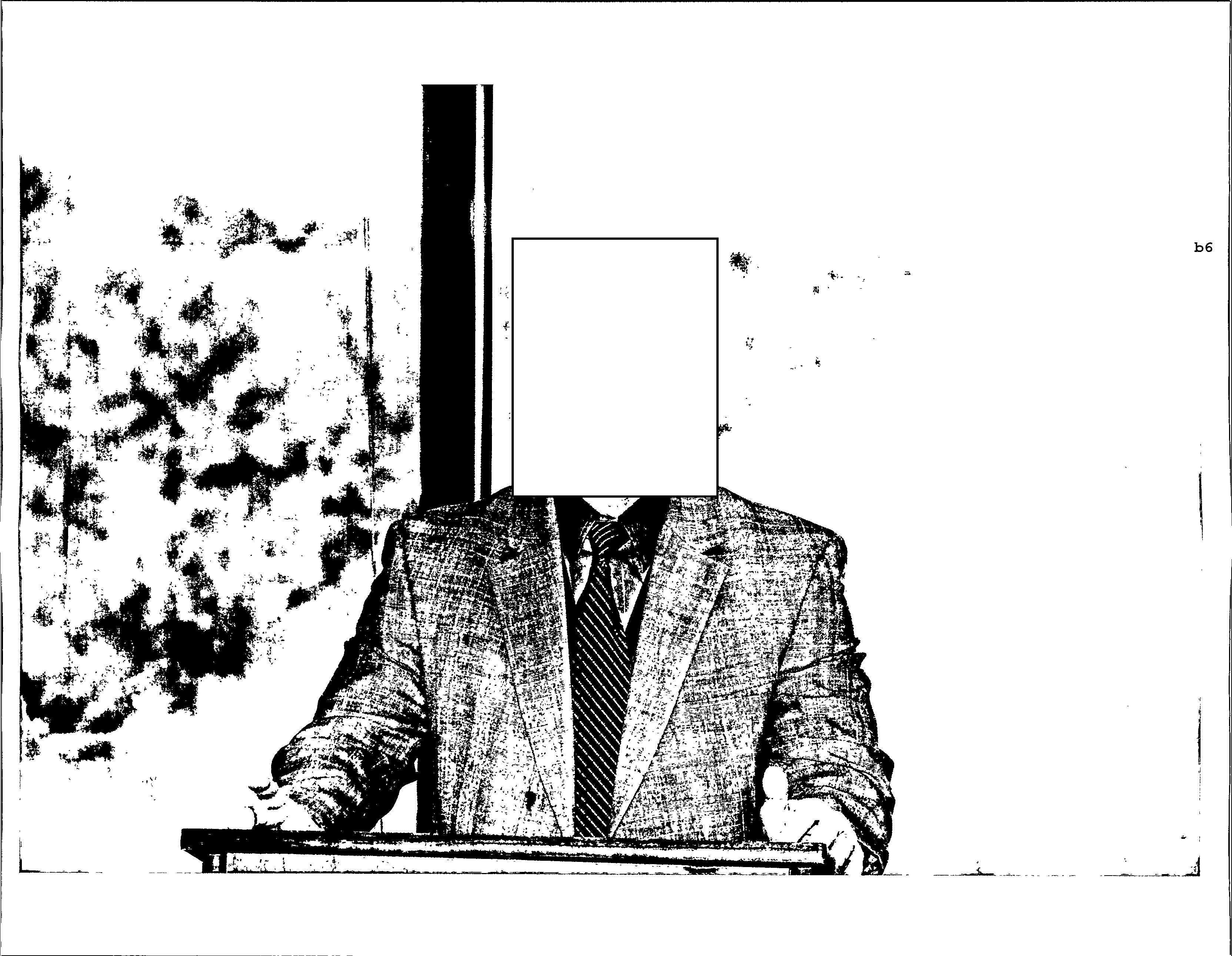
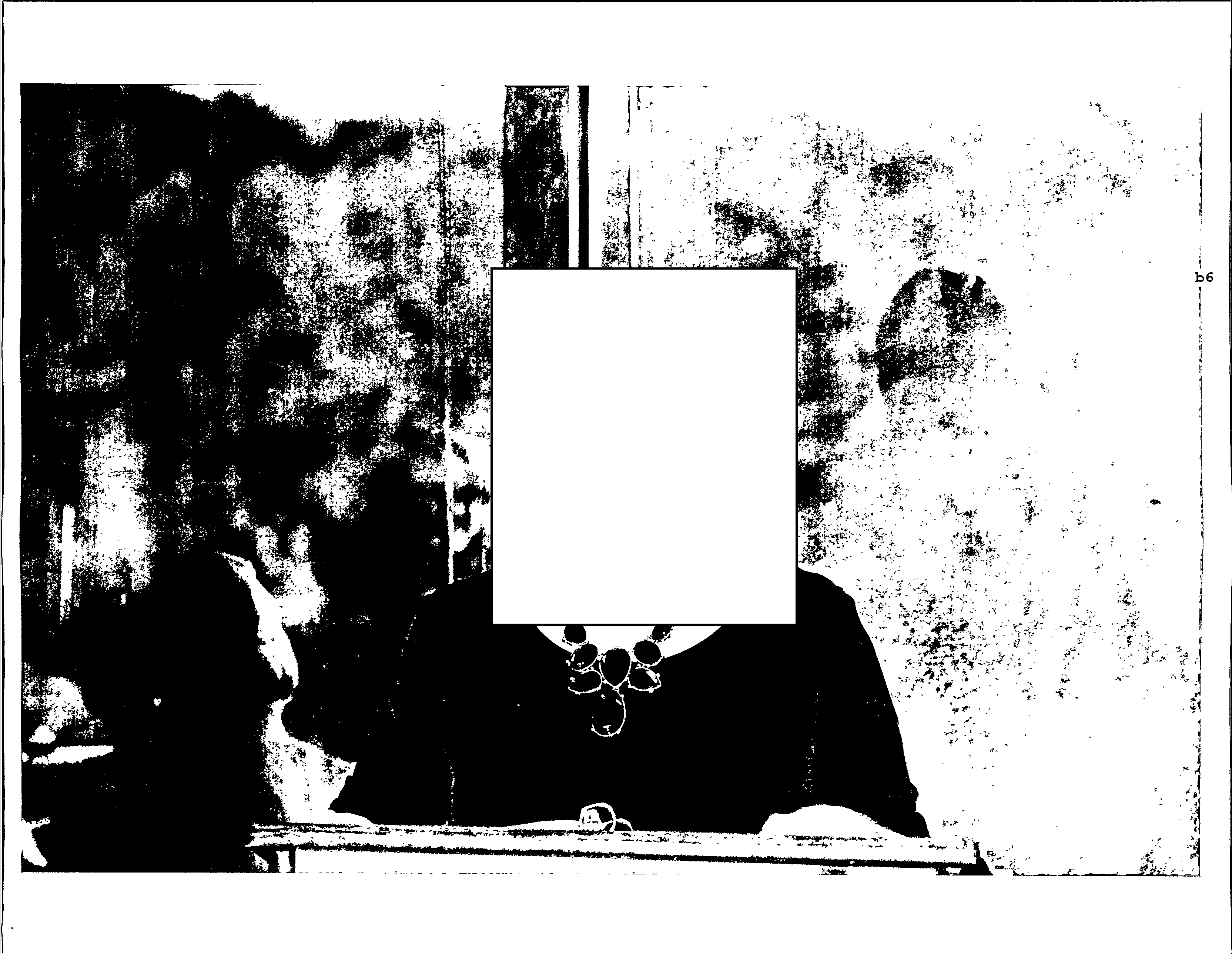
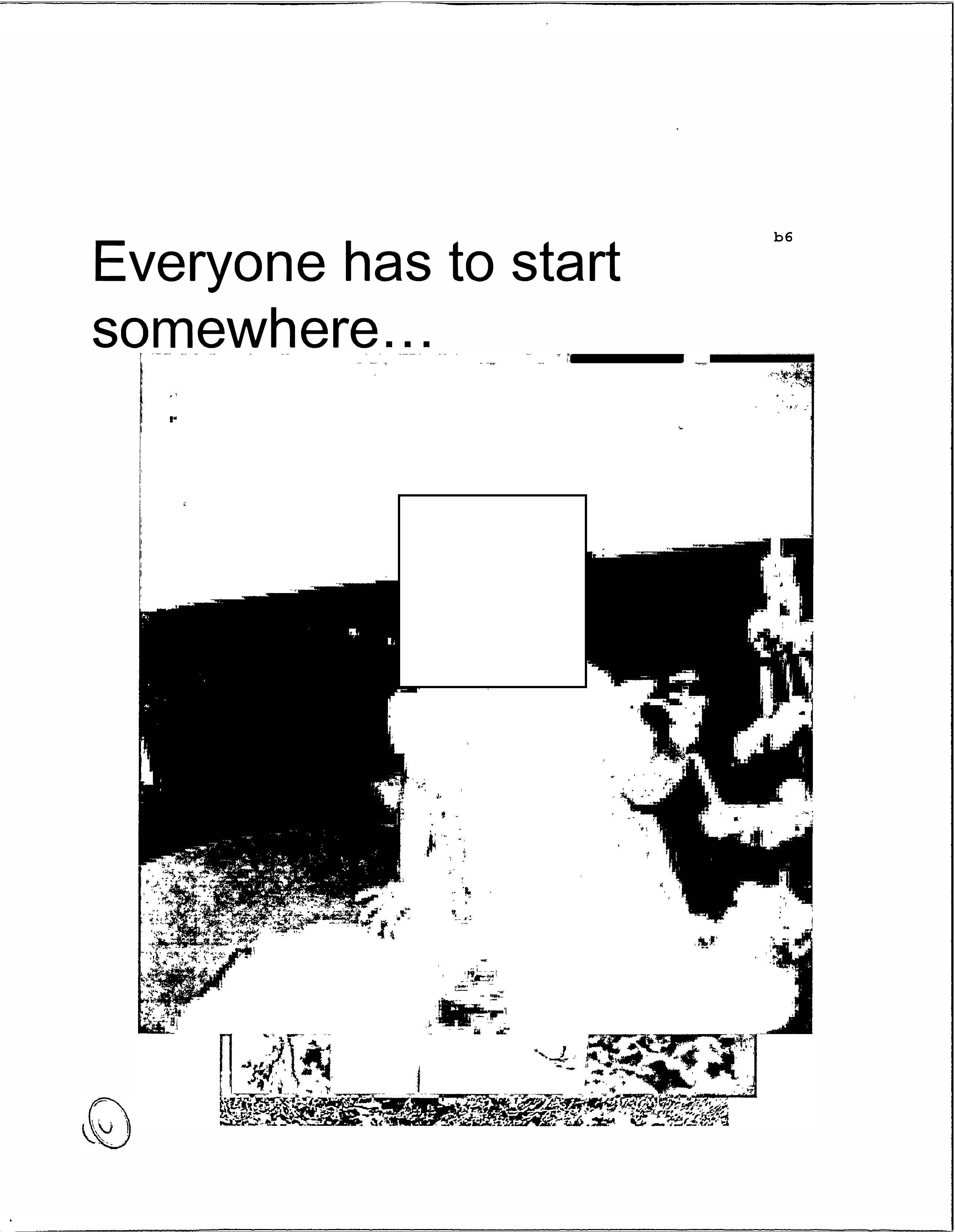
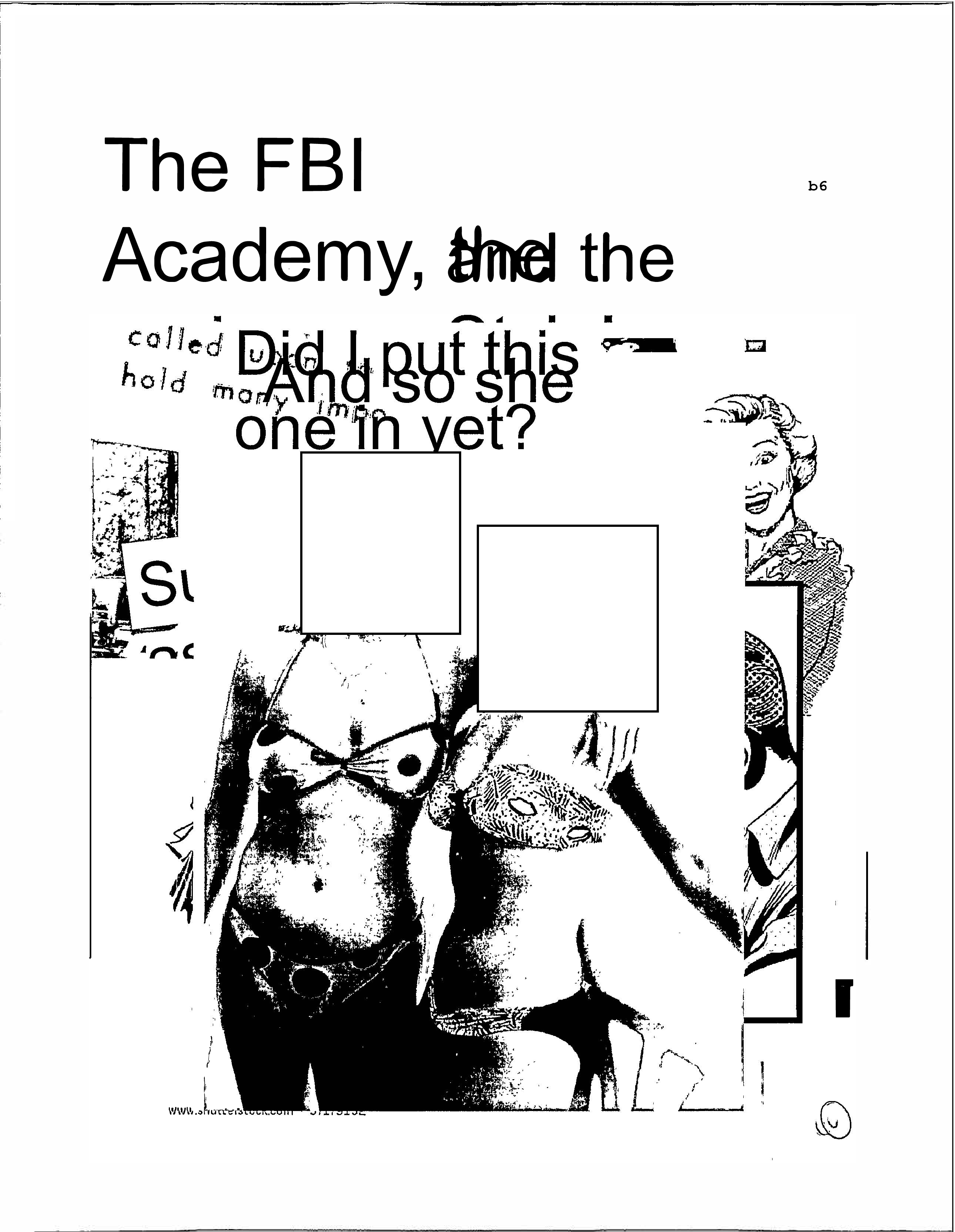
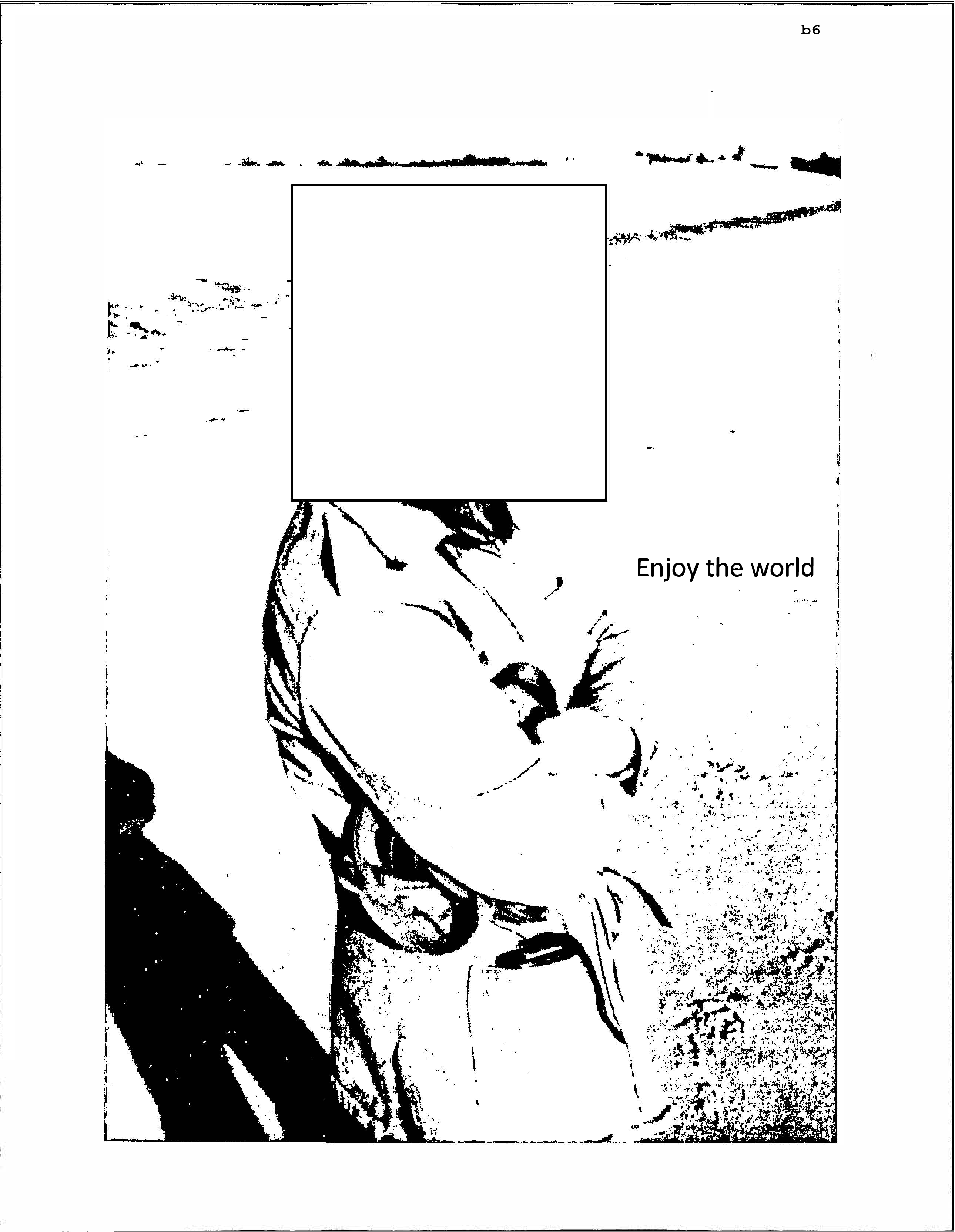
Coloring book
Naturally, I turned it into a coloring book.
FBI ████████ Retirement Party Coloring Book PDF
This consists of a cover page plus all the slides and photographs in letter paper size. I don’t include the emails because there isn’t an easy way to programmatically find the interesting ones, of which there are only a handful among hundreds of pages.
Sources
See the full gallery for individual images of the photograph and powerpoint PDF pages, or download the original PDFs linked below.
| Document | Original link | Local archive | Internet Archive |
|---|---|---|---|
| Brad Heath tweet | HTML | HTML | |
| Gawker article | Gawker (dead) | HTML | |
| Emails-Section-1.pdf | Scribd | ||
| Emails-Section-2.pdf | Scribd | ||
| Emails-Section-3.pdf | Scribd | ||
| Emails-Section-4.pdf | Scribd | ||
| Emails-Section-5.pdf | Scribd | ||
| Emails-Section-6.pdf | ? | ||
| Emails-Section-7.pdf | ? | ||
| Photographs-Section-1.pdf | Scribd | ||
| Powerpoint-Section-1 | Scribd |
A few notes about the above:
- I can only find that one tweet from Brad Heath about these documents
- I can’t find any USA Today reporting on this anywhere, would love to see that if it exists
- I didn’t know that parts 6 and 7 of the email archives existed until I found the Internet Archive copy of the PDFs when writing this post, and I don’t know how to find the original links for parts 6 and 7 on Scribd (assuming they’re legitimate)
- My local copies of the Gawker article and FOIA PDFs for Emails 1-5, Photographs, and Powerpoint were saved 2014-07-10 from Scribd, and my local copies of FOIA PDFs for Emails 6-7 were saved 2025-12-06 from the Internet Archive
Coloring book creation details
I made a cover page in a word processor, and copied successive generations of it until it introduced a bunch of artifacts.
This script generates images for the gallery and the final coloring book PDF. The pages in the photographs PDF are in landscape orientation, while the pages in the powerpoint PDF are in portrait, so I have to do a little processing to get two landscape photos in a portrait page. (This is pretty weird to me but here we are.)
coloringbook.sh
#!/bin/sh
set -eu

make_portrait_2up_photos_pdf() {
    # Letter at 300 dpi
    dpi=300
    page_w=2550   # 8.5 * 300
    page_h=3300   # 11  * 300

    margin=150    # 0.5" at 300 dpi
    gap=150       # vertical gap between the two images

    inner_w=$((page_w - 2*margin))           # width available for each image
    inner_h_each=$(((page_h - 3*margin)/2))  # height available for each image

    y1=$margin
    y2=$((margin + inner_h_each + gap))

    tmpdir=$(mktemp -d)
    trap 'rm -rf "$tmpdir"' EXIT

    i=0
    page=1


    while :; do
        img1=$(printf 'gallery/photographs-%03d.png' "$i")
        [ -f "$img1" ] || break

        i2=$((i + 1))
        img2=$(printf 'gallery/photographs-%03d.png' "$i2")
        outfile=$(printf '%s/page-%03d.png' "$tmpdir" "$page")

        if [ -f "$img2" ]; then
            # Two images → full 2-up page
            magick -size ${page_w}x${page_h} xc:white \
                -units PixelsPerInch -density "$dpi" \
                \( "$img1" -resize "${inner_w}x${inner_h_each}" -background white -gravity center -extent "${inner_w}x${inner_h_each}" \) \
                    -gravity northwest -geometry +${margin}+${y1} -composite \
                \( "$img2" -resize "${inner_w}x${inner_h_each}" -background white -gravity center -extent "${inner_w}x${inner_h_each}" \) \
                    -gravity northwest -geometry +${margin}+${y2} -composite \
                "$outfile"
            i=$((i + 2))
        else
            # Odd image out → centered on its own page, bigger box
            bigger_h=$((2*inner_h_each + gap))
            magick -size ${page_w}x${page_h} xc:white \
                -units PixelsPerInch -density "$dpi" \
                \( "$img1" -resize "${inner_w}x${bigger_h}" -background white -gravity center -extent "${inner_w}x${bigger_h}" \) \
                    -gravity northwest -geometry +${margin}+${y1} -composite \
                "$outfile"
            i=$((i + 1))
        fi

        page=$((page + 1))
    done
}

mkdir -p gallery

# Photos are a single CCIT per PDF page, convert to PNG directly
# These images are used in the gallery
pdfimages -png originals/233258474-1258341-0-Photographs-Section-1.pdf gallery/photographs

# Slides contain composite images, render PDF and convert each page to PNG
# These images are used in the gallery and to create the coloring book
magick -density 300 originals/233260561-1258341-0-Powerpoint-Section-1.pdf gallery/powerpoint-%02d.png

# Create new PNG images containing two landscape photos per portrait page
# This orients the photos the same way that the powerpoint slides are oriented
make_portrait_2up_photos_pdf

# Create PDF from the 2-up PNG images
img2pdf "$tmpdir"/page-*.png -o "$tmpdir"/output-2up-letter.pdf

# Combine with coverpage and original PDF
pdfunite \
    coloringbook/coverpage.pdf \
    originals/233260561-1258341-0-Powerpoint-Section-1.pdf \
    "$tmpdir"/output-2up-letter.pdf \
    coloringbook/coloringbook.pdf